Bookkeeping without the data entry

Turn any bank statement — even a photo of one — into a finished P&L in minutes.

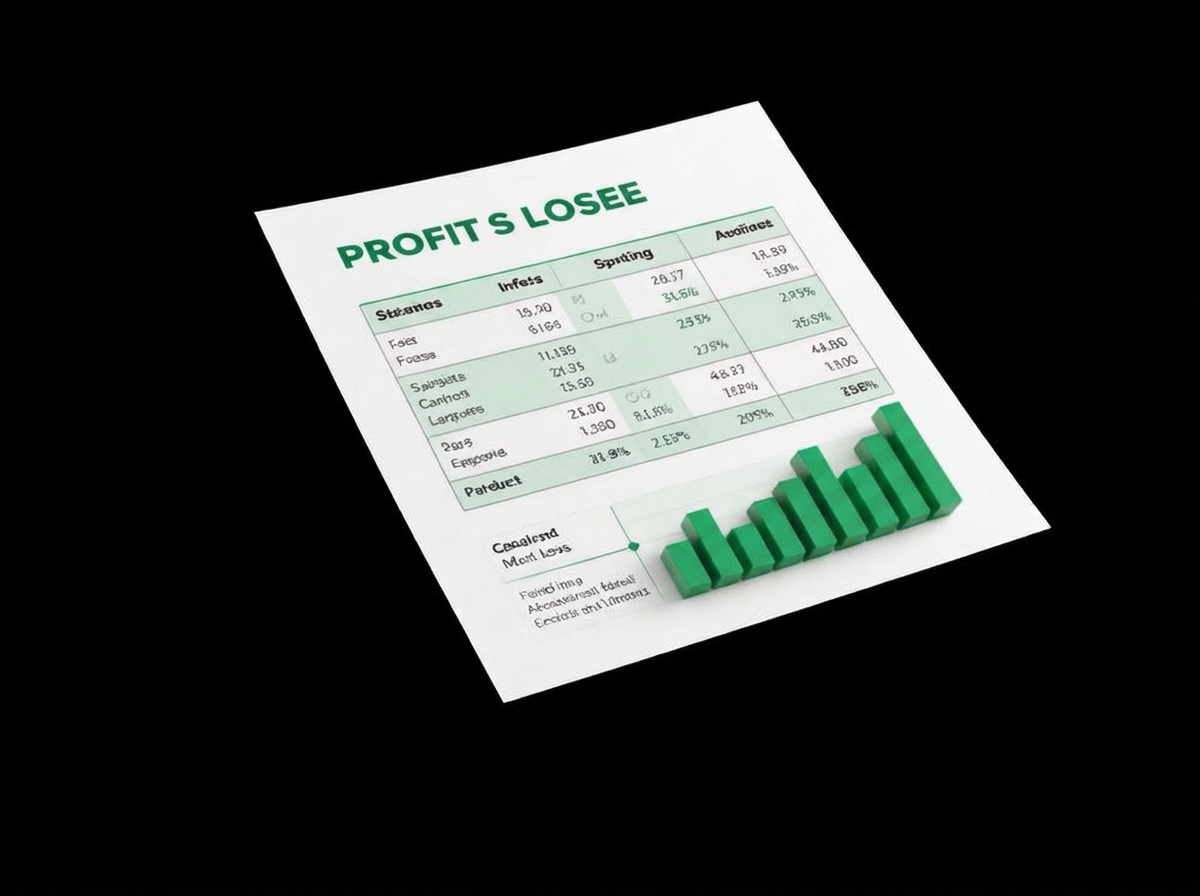
BizAxcess Financial reads your bank PDF, OCRs photographed statements, categorizes every transaction, and prints an accountant-ready Profit & Loss statement.

  • No spreadsheet templates
  • No manual typing
  • Nothing saved until you confirm
A bank statement transforming into gold charts and a magenta growth arrow
Scanned — OCR applied+ 148 rows
2 min

From upload to finished statement

60+

Merchant keywords categorized out of the box

22

Accounts in the default chart of accounts

100%

Reviewed by you before anything is saved

What is BizAxcess

Upload your client's bank statements, credit-card statements and receipts. AI reconstructs the books, detects transfers and duplicates, categorizes transactions, matches receipts and creates tax-ready financial statements and workpapers. Built for tax professionals who inherit messy books.

What you get

Three steps of bookkeeping, handled.

Upload, review, report. Everything in between is automatic — and everything is editable.

Upload any PDF or photo

Upload any PDF or photo

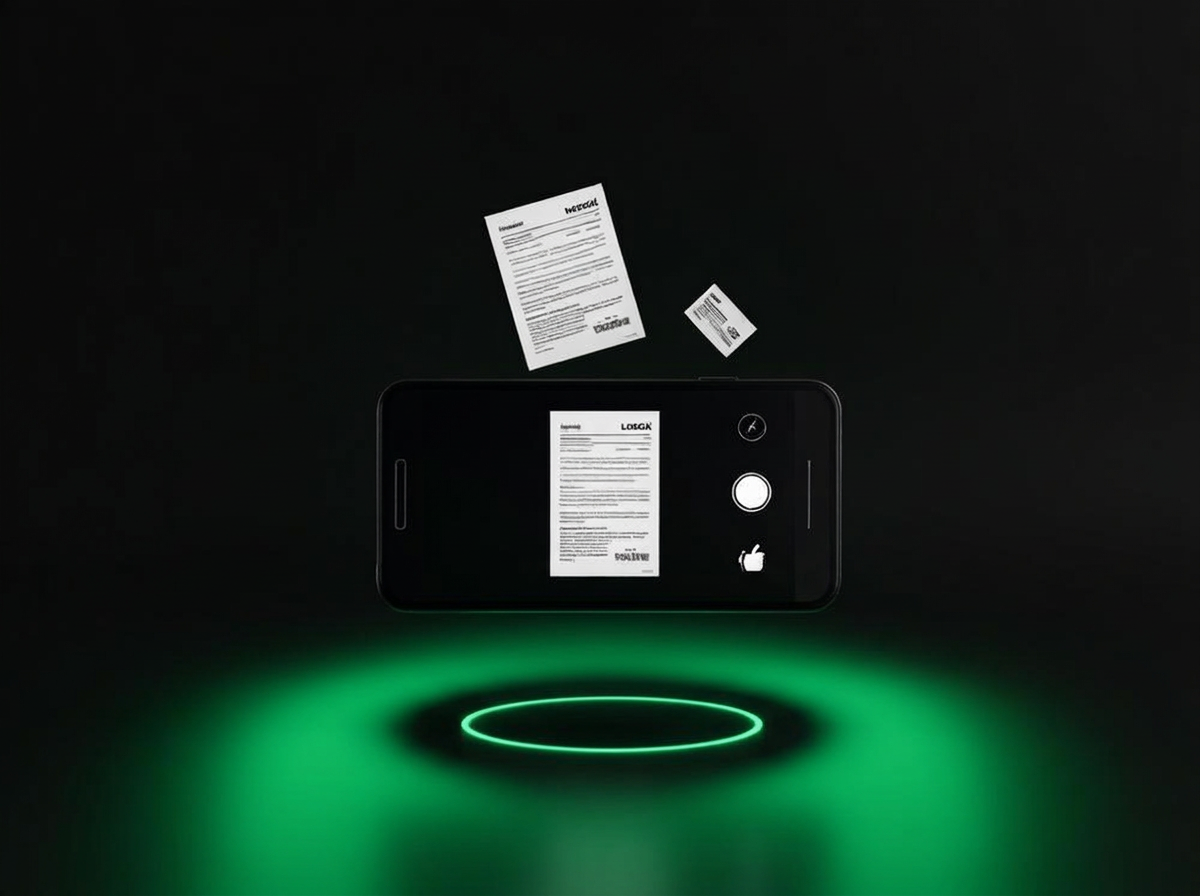
Bank-downloaded PDFs are read straight from their text layer. Scans and phone photos get OCR automatically — you never have to know which is which.

  • Drag-and-drop, multi-file
  • PDF, JPG, PNG, WEBP
  • Text layer vs OCR shown per import
Auto-categorized transactions

Auto-categorized transactions

A rule engine tags UBER as Travel, SHELL as Fuel, ADOBE as Software the moment rows land. Re-categorize once and BizAxcess remembers the merchant forever.

  • Editable chart of accounts
  • Bulk re-categorize
  • Learned rules with priority
Instant Profit & Loss

Instant Profit & Loss

Accountant-style statement with gross margin, itemized operating expenses, month-by-month columns and a net profit line you can hand to your CPA.

  • Drill into any category
  • Monthly comparison view
  • Branded PDF + CSV export

How it works

From paper pile to P&L

Start free
  1. 01

    Drop in the statement

    One file or twelve. PDFs, scans, or a photo taken on your phone at the kitchen table.

  2. 02

    Check the review screen

    Every detected row with a confidence score. Uncertain rows are flagged in pink — fix, delete, or confirm.

  3. 03

    Read your P&L

    Income, cost of goods, operating expenses and net profit, ready to export or send to your accountant.

Phone photos welcome Learns your merchants Month-by-month trends

Questions, answered

My bank only gives me paper statements.

Photograph or scan them. BizAxcess detects that there is no text layer, renders the page, and runs OCR to recover the rows — the import is badged 'Scanned — OCR applied'.

What if a row is converted wrong?

Nothing is saved until you press Confirm. The review screen lets you edit the date, description, amount and money-in/out direction of every row, or delete it.

Will it re-import the same statement twice?

Duplicate rows — same date, amount and description — are flagged before import so you can skip them or bring them in anyway.

Is my data private?

Every statement, transaction, category and rule is stored against your own account and is only visible when you're logged in.

Your next Profit & Loss is one upload away.

Create an account, drop in a statement, and see categorized transactions in under two minutes.

Get Started